
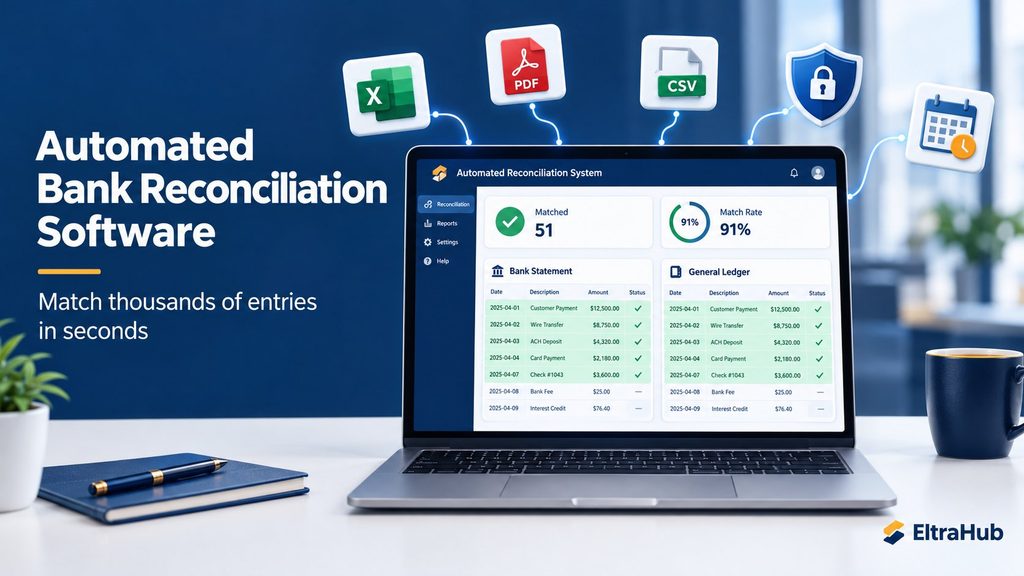
Automated Bank Reconciliation Software: Match Thousands of Entries in Seconds
If you have ever spent a late night with a bank statement on one screen and a ledger on the other, ticking entries one by one, you already know the pain of manual bank reconciliation. It is slow and tiring, and one missed cheque or duplicate entry can throw off the whole month’s closing. That is exactly the problem the Automated Reconciliation System by EltraHub was built to solve.
👉 Try it free for 7 days: LINK
What Is Bank Reconciliation and Why Does It Matter?
Bank reconciliation means comparing your bank statement with your cashbook or general ledger and making sure every transaction matches. Done properly, it helps you:
- Catch missing entries (bank charges, profit, direct deposits)
- Find duplicate or wrong postings in your books
- Spot uncleared cheques and deposits in transit
- Detect fraud or unauthorised transactions early
- Keep audit-ready records for tax and management reporting
The problem is the volume. A business with a few hundred transactions a month can lose hours to this work, and a company with thousands of entries can lose days. Different date formats, shortened descriptions and debit/credit columns that sit in different places make it even harder.
Meet the Automated Reconciliation System
The Automated Reconciliation System is an online bank reconciliation software that compares two files, for example a bank statement and a general ledger (or a party statement and your own ledger), and matches the entries automatically. You upload both files, confirm the columns, and the software does the matching. In our tests, files of about 10,000 rows each were reconciled in under three seconds.
Because it runs in the browser, you don’t install anything. It works on a laptop, desktop, tablet or mobile, and your data is available wherever you log in.
Key Features
1. Upload Excel, CSV or PDF statements
You can upload files in XLSX, XLS, CSV or text-based PDF format. Most banks let you download statements as PDF, and the software reads text-based PDF statements and turns them into clean tables automatically. It joins descriptions that wrap onto several lines and removes headers that repeat on every page. (Scanned or photographed PDFs contain no readable text, so for those please use your bank’s Excel or CSV download.)
2. Smart column mapping
Every bank and every accounting system lays out its columns differently. The mapping screen detects the Date, Description, Reference, Debit, Credit and Amount columns automatically, shows you a preview, and lets you fix anything with a few clicks. Separate Debit/Credit columns and a single signed Amount column are both supported.
3. A powerful matching engine
This is the heart of the software. You decide which rules to use:
- Amount matching: exact, or with a small tolerance for rounding differences
- Date matching: with a tolerance of 0 to 30 days, because a cheque issued today may clear the bank three days later
- Description matching: fuzzy matching that recognises “IBFT FROM KHAN BROTHERS” and “Khan Brothers – payment received” as the same transaction
- Direction logic: Cross mode matches money going out of the bank with money coming into the ledger, and the other way round, exactly as accountants expect
4. Clear results you can act on
After matching, the results are split into easy tabs:
- Matched Entries: highlighted in light green
- Unmatched in Bank Statement and Unmatched in Ledger: the items that need your attention
- Full ledgers of both files with their match status
- Manual Match: pair one entry with several others (one-to-many), with an automatic difference check
Each tab has live search, filters, sorting and totals, so you can find any transaction instantly.
5. Professional PDF and Excel reports
Export your reconciliation as a PDF report, an Excel file or a print-ready page. Reports include a summary (total matched, unmatched, match rate), detailed tables, your company branding and a watermark, ready to share with management or auditors.
6. Secure and private
Your financial data is sensitive, and the system treats it that way. Passwords are encrypted, every form is protected against forged requests, uploaded files are stored outside public access, and each user can only see their own reconciliations. You can log in with your username or email, and resetting a forgotten password takes one click.
Who Is It For?
- Accountants and bookkeepers who reconcile several bank accounts every month
- Small and medium businesses that want quick, accurate month-end closing
- Audit firms that need to check client bank records quickly
- Finance teams reconciling party ledgers, supplier statements and customer accounts
- Freelance accountants who serve several clients
How It Works in 4 Simple Steps
- Sign up at software.eltrahub.com/Reconcile. Your 7-day free trial starts immediately.
- Upload File A (for example, the bank statement) and File B (for example, the general ledger).
- Confirm the column mapping and choose your matching rules.
- View the results and export a PDF or Excel report.
That’s it. What used to take hours now takes minutes.
Simple, Affordable Pricing
Every new account gets a 7-day free trial with full access. After that, choose the plan that suits you:
| Plan | Duration | Price |
|---|---|---|
| Monthly | 30 days | PKR 1,500 |
| 6-Month | 180 days | PKR 7,200 (save 20%) |
| Yearly | 365 days | PKR 9,000 (save 50%) |
You can pay easily through Bank Transfer (Meezan Bank), Raast or NayaPay. Upload your payment proof on the Billing page and your account is activated as soon as it is verified.
Why Choose EltraHub’s Reconciliation Software?
- ✅ Saves hours of manual work every month
- ✅ Reduces human error and missed transactions
- ✅ Works with the Excel, CSV and PDF files you already have
- ✅ Nothing to install; works on any device
- ✅ Affordable plans in Pakistani Rupees
- ✅ Local support from a Pakistani team
Conclusion
Manual bank reconciliation belongs in the past. With the Automated Reconciliation System, you upload two files, set your rules and get an accurate, report-ready reconciliation in seconds. It is fast and secure, and it is built for the way accountants in Pakistan actually work.
Start your free 7-day trial today: 👉 https://software.eltrahub.com/Reconcile/
Project of TK-STARS | Presented by EltraHub

